Installeer windows 11 zonder internet.
BRON: https://www.groovypost.com/howto/install-windows-11-without-an-internet-connection/
To install Windows 11 without internet, do the following:
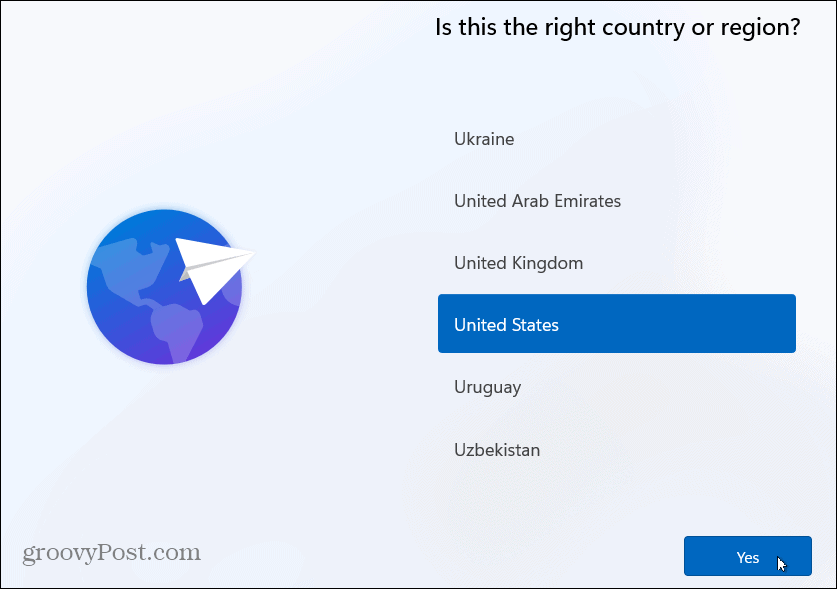
- Go through the initial setup screens and select your country on the first out-of-box-experience (OOBE) screen.

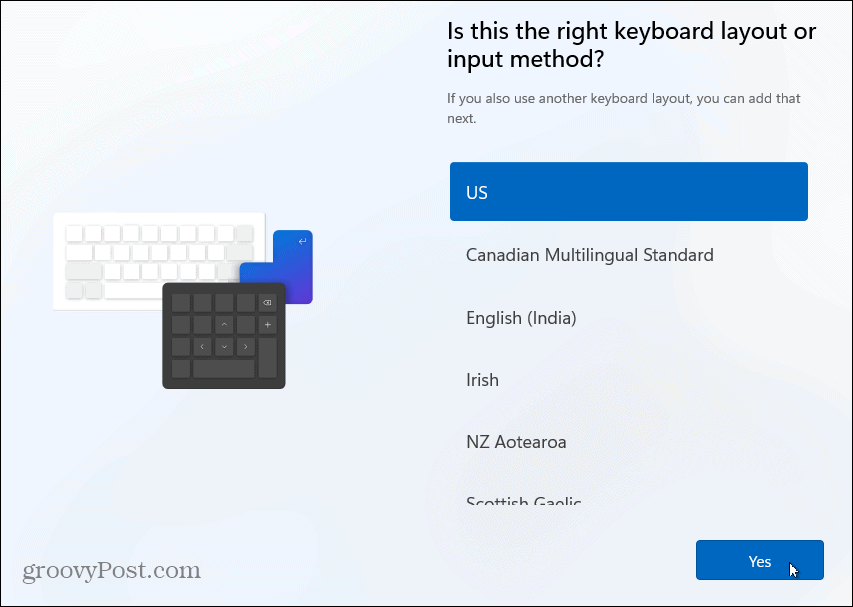
- Next, choose your keyboard layout on the following OOBE screen.

- Click the Skip button if you don’t need a second keyboard layout.

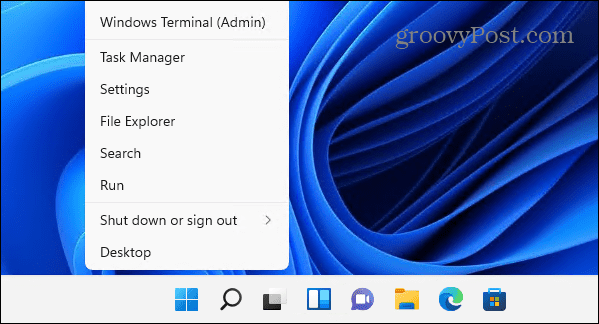
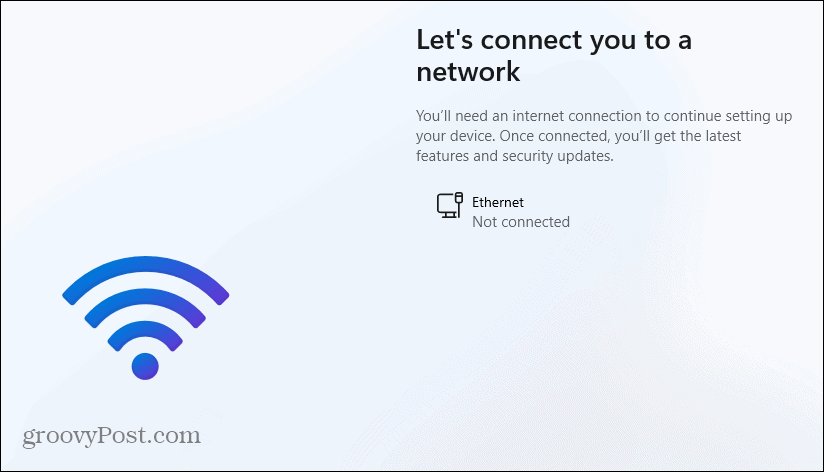
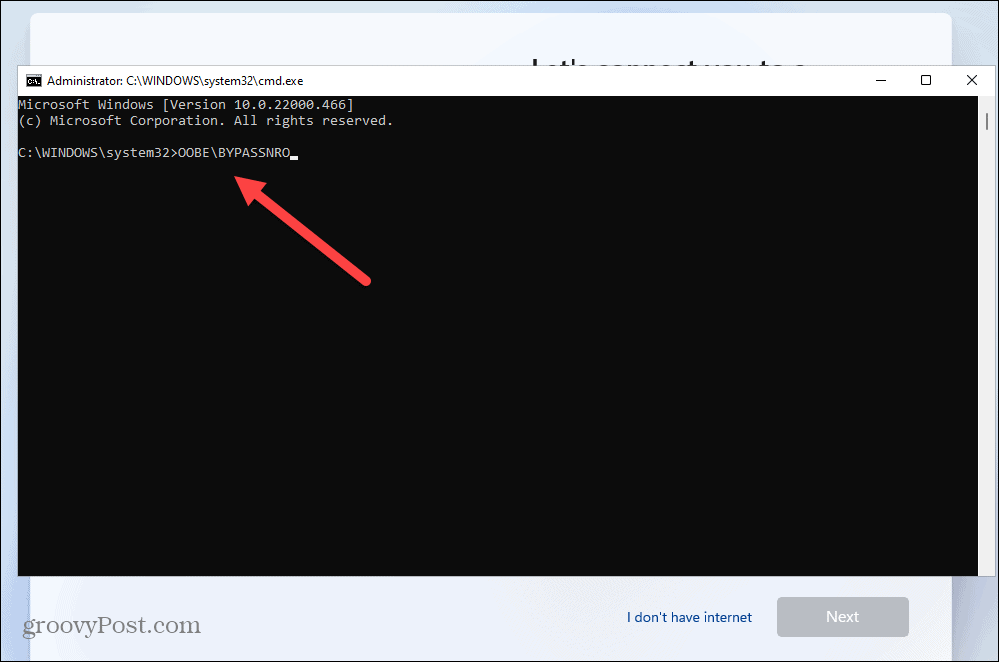
- When the “Let’s connect you to a network” screen appears, press Shift + F10 on your keyboard.

- In the Command Prompt window that appears, type the following command, and hit Enter.OOBE\BYPASSNRO

- Your PC will restart and begin the OOBE again – enter your region and keyboard layout a second time.
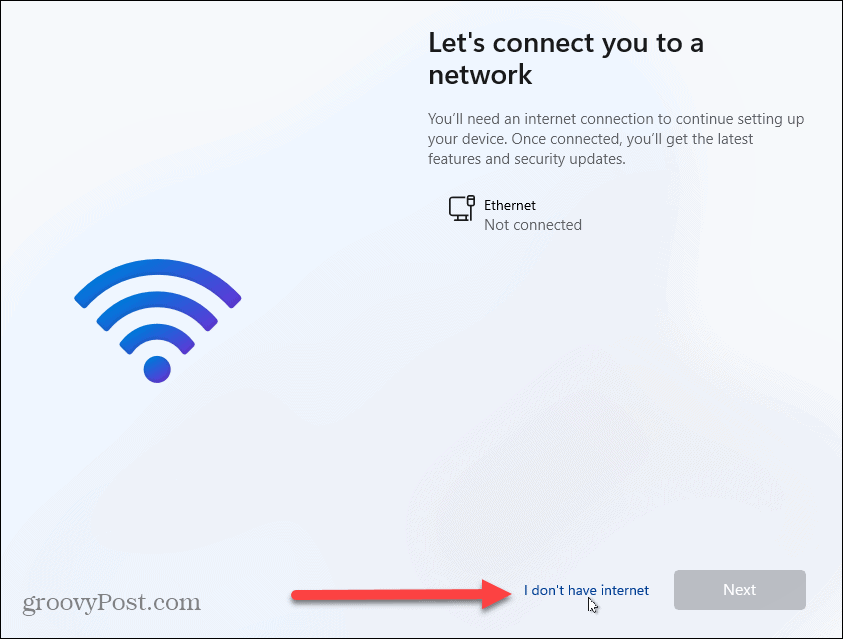
- When the “Let’s connect you to a network” screen appears, click the I don’t have internet link.

- On the following screen of the OOBE, click Continue with limited setup on the bottom-right.

- Click the Accept button when the EULA appears.




Create a Local Account on Windows 11
Now that you’re past the initial request to connect to the internet, you can create a local account following the on-screen instructions.
To create a local account, do the following:
- Type in the name of the local user and click Next.

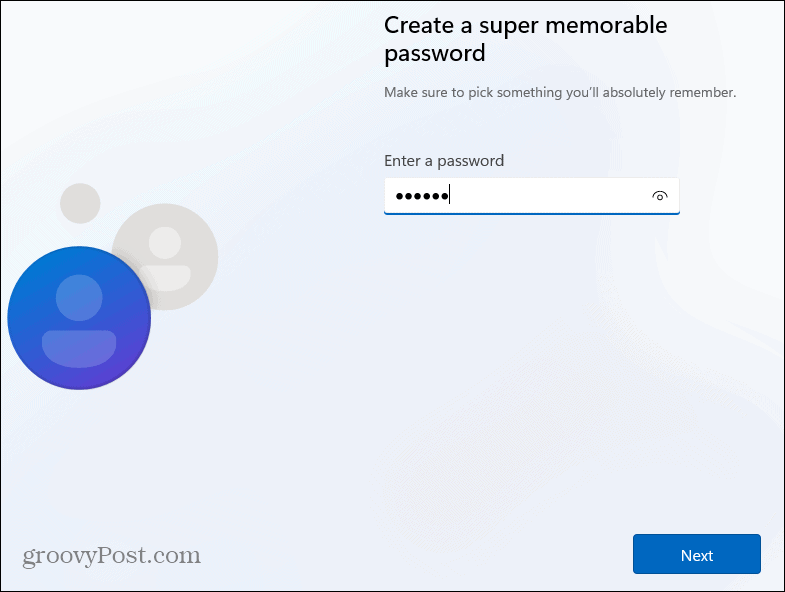
- Type in a password for the local user account twice to confirm.

- Complete the three security questions required to recover the account if needed.

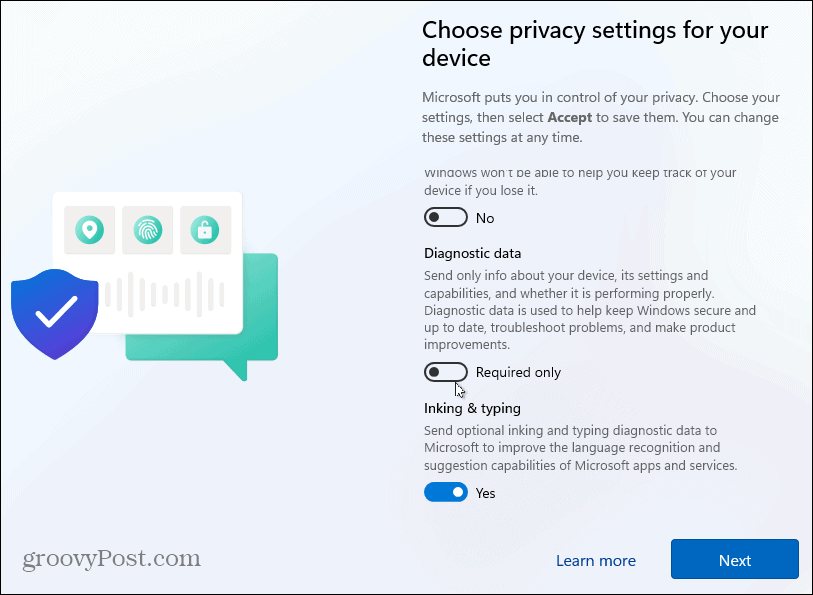
- Choose the privacy settings you want to use for the PC and click Accept. Note that you can change your privacy options in Settings.

- Wait a few moments while Windows 11 gets set up.

- When it completes the setup process, you can begin using Windows 11 as a local user.